Features:
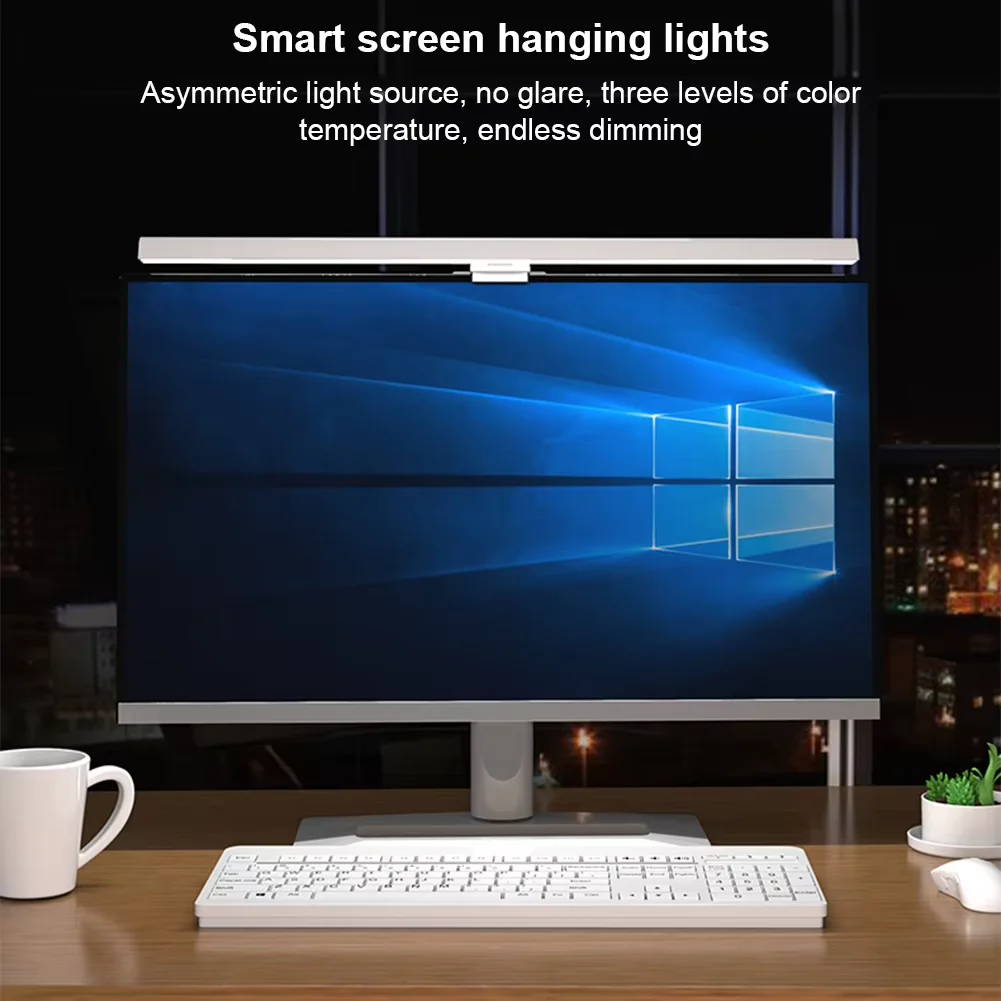
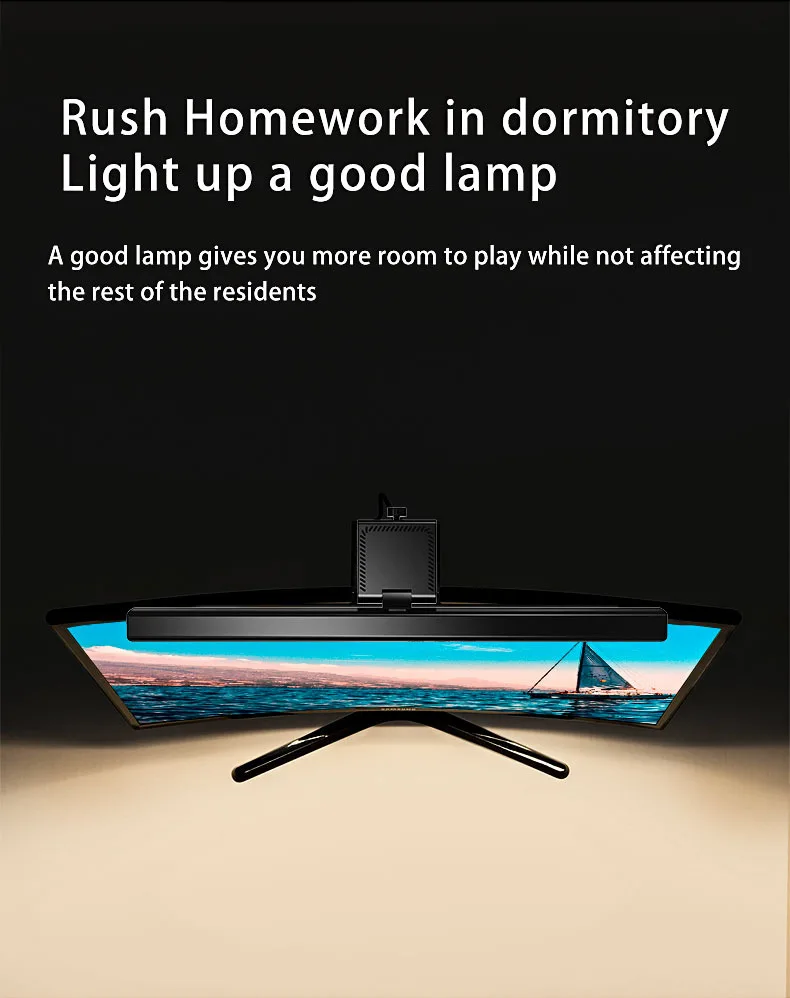
1.Computer monitor light with asymmetrical optical design, it only illuminates the desk and eliminates reflective glare off the screen, effectively protect your eyes in daily life.
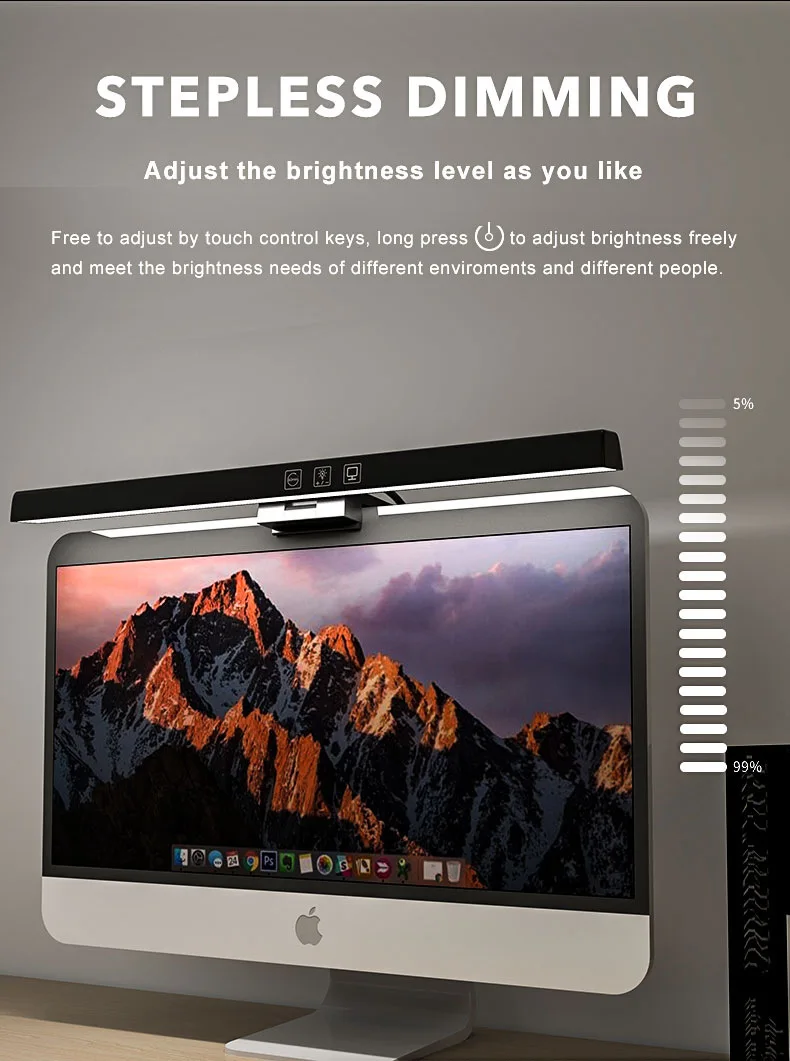
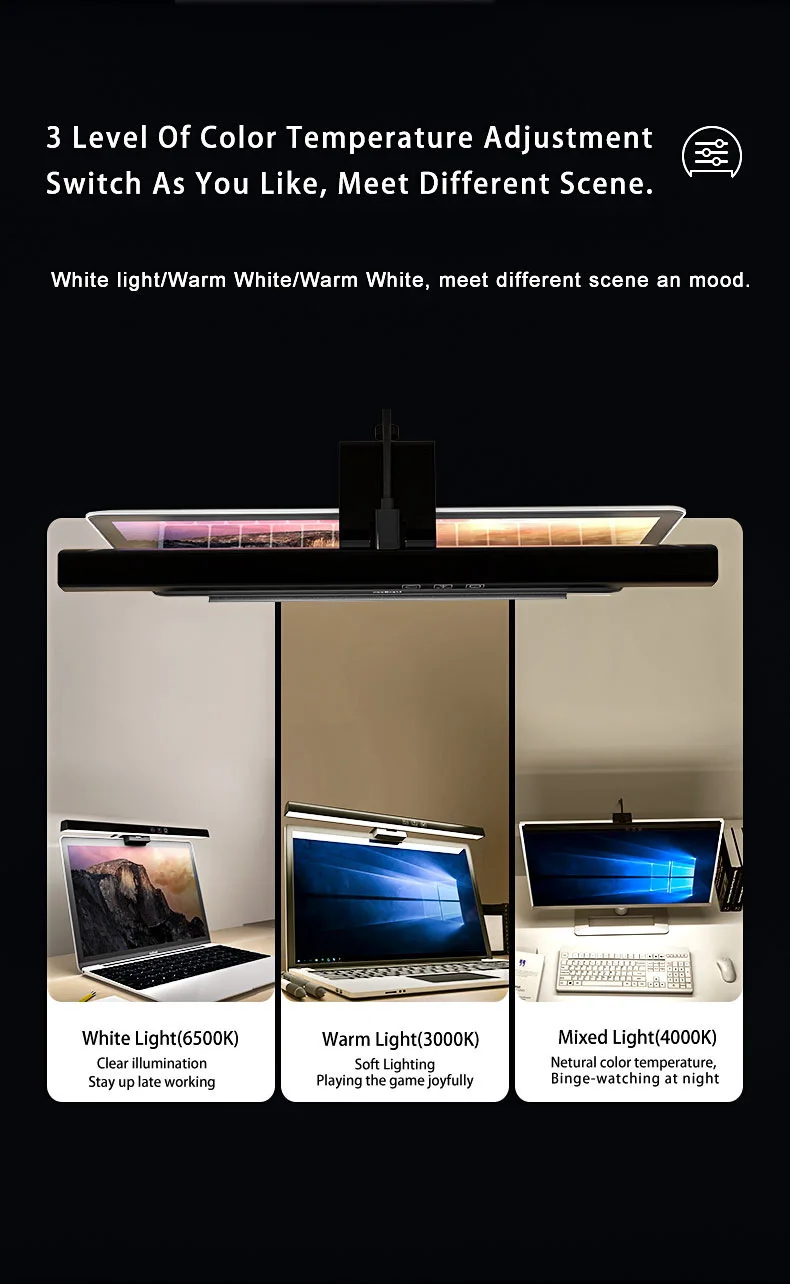
2. Touch control table lamp, 3 lighting modes: warm light, cool light, mix light. 5%-100% brightness stepless dimming. Warm light for reading, cool light for work efficiency.
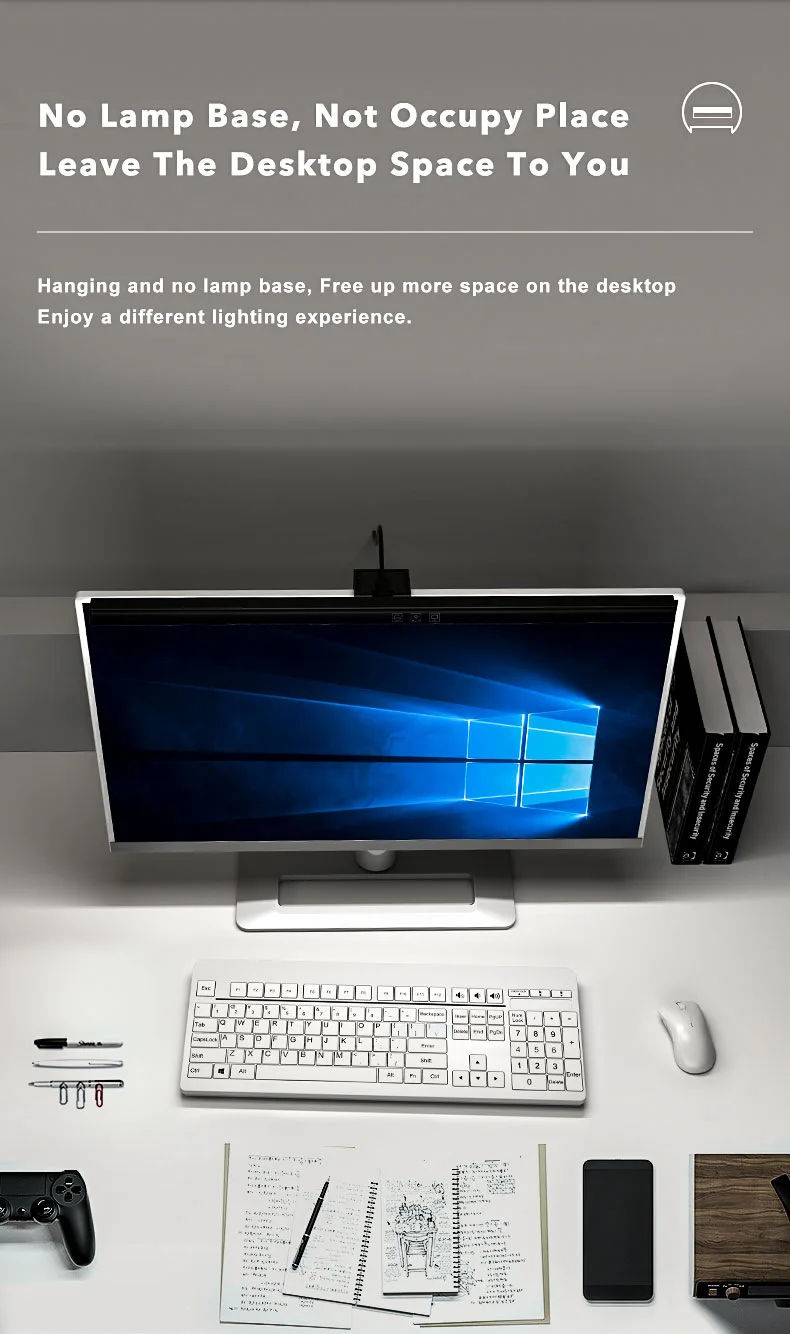
3. A space-saving design monitor light, clamp onto the top of the monitor, compared with ordinary desk lamps, saving valuable space on your desk.
4. The desk lamp is very easy to install! No tools needed! Improving your viewing experience for your everyday computer tasks, ideal for watching videos, gaming, office working, reading, studying, etc.
Specifications:
Product material: ABS+PC
Packing method: color box
Rated power: 5W
Rated voltage: 5V/1A
Luminous flux (lm): 201
Color rendering index: >90
Product color temperature: 3000/4000/6500K (three-color adjustable)
Quick Tips for Your New Product!
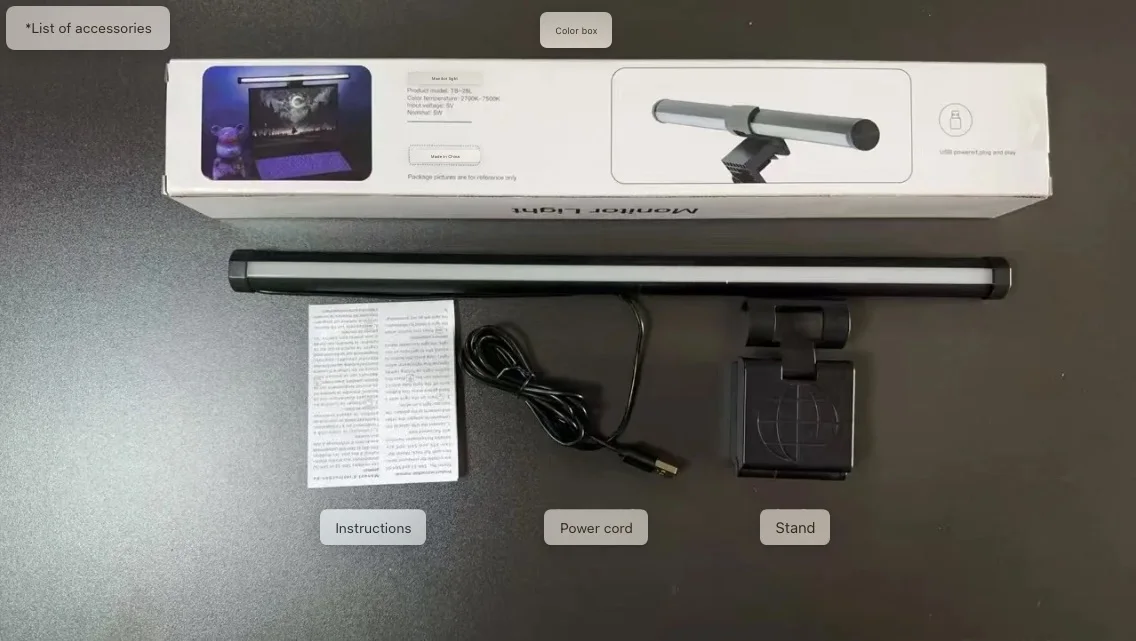
1.First-Time Use Hack: Plug in the product to charge it up before your first use! The rightmost button is the power key—tap it and hold for 1-2 seconds to turn it ON, and press and hold it to turn it OFF. Super easy, right?2.Check the Manual for More: We’ve popped a product manual in the package just for you! If you have any little questions while using it, the manual has all the answers you need.
Important Notice
1. It is strongly recommended that you use the dedicated charging cable provided with the product.
2. Ensure that the input voltage stays within the rated range and avoid overvoltage operation at all times.
3. One critical point must not be overlooked: a long press on the power button is required to turn off the product.